
Swap the words. Win the room.
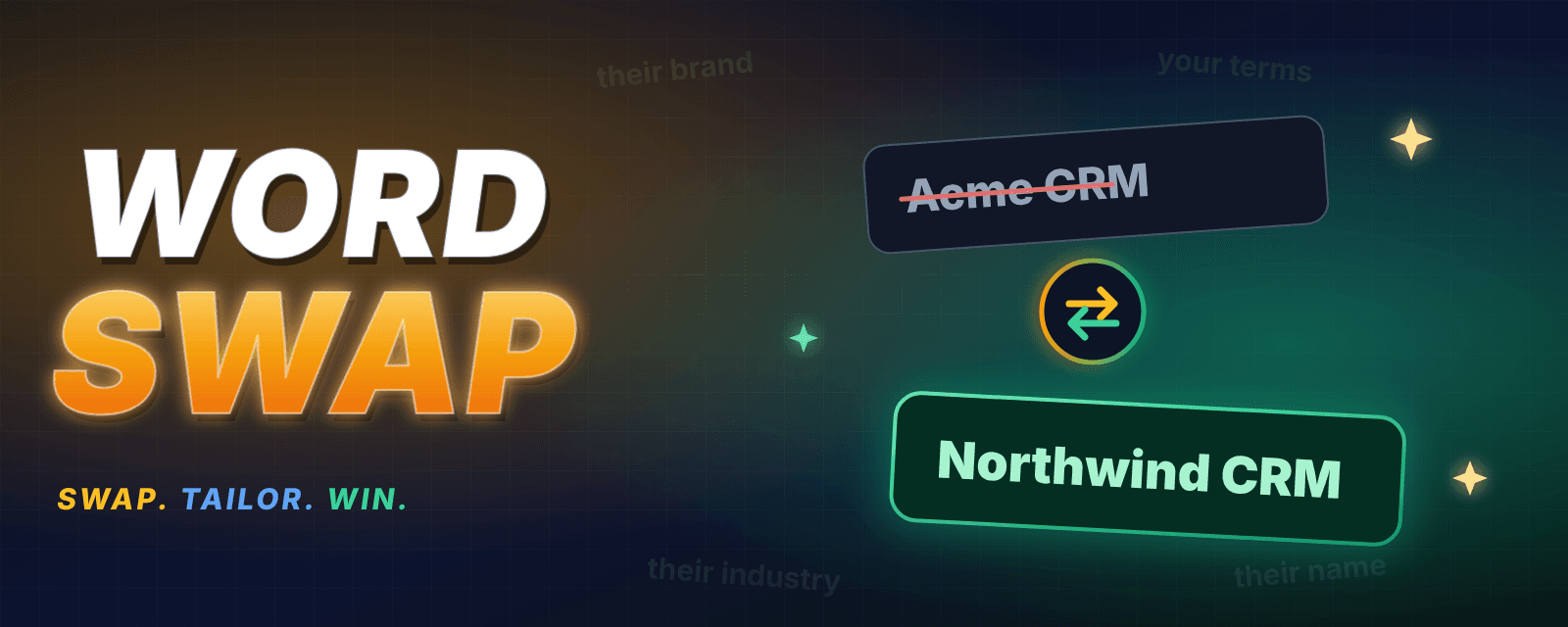
Word Swap changes names and terms on any web page, so every demo speaks your audience's language — their company, their terms, their industry.
No account. Stored locally in your browser. Built for live demo conditions.
Welcome back, Acme CorpGlobex Inc
Renewal for Acme CorpGlobex Inc is on track.
Primary contact: Jane MillerSam Rivera
Last touch with Acme CorpGlobex Inc was Tuesday.
4 words swapped · saved for every reload
How it works
Ready before you share your screen.
Set your swaps in the minutes before the call. When you share, the page already speaks their language.
- 1
Open the page you want to demo
Navigate to the screen you will share — your product, a dashboard, a sandbox.
- 2
Add your swaps
Enter the word to find and what it should become, e.g. “Acme” → your prospect’s company name. Or paste a list from Excel.
- 3
Check the page
Matching is whole-word, so “Acme” never touches “Acmeville”. Turn on Match case per rule when you need it.
- 4
Share your screen
The swaps stay in place on every page and every reload. Keep named sets for different customers.
Tailored in seconds
Their brand. Their words. Your product.
A demo lands harder when the prospect sees their own name on the screen. Word Swap makes that a thirty-second job instead of a staging project.
- Replace names, products, and industry terms in place
- Keep a named set for each customer
- Nothing changes in your real product or data
Features
Small tool. Big difference in the room.
Swap words on any page
Replace a company name, product term, or industry phrase directly on the page you are about to demo. No code, no staging environment.
Tailor the demo to the room
Show a prospect their own brand and vocabulary. The product feels built for them before you say a word.
Paste a list from Excel
Drop in a whole list, one “from → to” pair per line, and you are ready.
Works where demos live
Handles content that loads late, content inside iframes, and web components.
Stays swapped
Your replacements stay on every page and survive every reload, so the page reads right when you share your screen.
Private by design
Replacements are stored locally in your browser. No accounts, no tracking, no network requests.
Install
Install in 30 seconds.
- 1
Open the Chrome Web Store listing
Visit the Word Swap page in the Chrome Web Store.
- 2
Click “Add to Chrome”
Confirm the prompt to install the extension.
- 3
Pin it to your toolbar
Click the puzzle icon in Chrome, then pin Word Swap so you can reach it in one click before a demo.
Keyboard shortcut
Start a swap without leaving the page.
Select a word on the page and press the shortcut — or right-click it — to start a replacement.
Walk in with their words on the screen.
Install Word Swap and tailor your next demo before you share your screen.
FAQ
Questions, answered.
Which browsers are supported?
Word Swap is a Chrome extension and works in Google Chrome and other Chromium-based browsers (such as Edge and Brave) that support Chrome Web Store extensions.
Does it change my real data or product?
No. Word Swap only changes how text appears in your own browser tab. Nothing changes in your product, and nobody else sees the swaps unless you share your screen.
Does it work over Zoom, Google Meet, or Teams?
Yes. Word Swap changes the page in your browser. When you share that browser tab or window in any video call, the room sees the tailored page.
Will my swaps be saved?
Yes. Replacements stay swapped on every page and every reload, and they are stored locally in your browser.
How does matching work?
Matching is whole-word, so “Acme” never touches “Acmeville”. Turn on Match case per rule when you need it.
Does it collect any data?
No. Word Swap collects no data, makes no network requests and has no accounts or tracking.
Does it work on every site?
Word Swap works on regular web pages, including content that loads late, content in iframes, and web components. A few protected pages (like the Chrome Web Store itself or chrome:// internal pages) block all extensions — that is a Chrome restriction, not a Word Swap limitation.
How do I uninstall it?
Right-click the Word Swap icon in your Chrome toolbar and choose “Remove from Chrome”, or open chrome://extensions and remove it from there.
Support
Need help with Word Swap?
We read every message. Email us with a question, a feature request, or a bug report.
General support
hello@demosecret.com
Questions, setup help, feature requests, or anything else.
Send a message →
Report a bug
Pre-filled bug report
Opens an email with the details we need to reproduce and fix the issue quickly.
Report a bug →
Quick troubleshooting
- Nothing happens when I click the icon. Reload the page (the extension can't inject into a tab that was open before it was installed), then try again.
- It doesn't work on a specific page. Chrome blocks all extensions on a few protected pages, such as the Chrome Web Store and chrome:// pages. Try a regular page to confirm.
- Some words didn't swap. Text inside images, canvases, or PDFs can't be swapped. Check the spelling, and whether Match case is on for that rule.
Privacy & links
Word Swap collects no data, makes no network requests, and has no accounts or tracking. See the Chrome Web Store listing for the official details.